

Patient portals vs. clinic texting
Portals are good for labs, forms, and records. Weekly check-ins are a different job. When texting fits between visits, and how portals and text threads work together.

· 5 min read · Updated
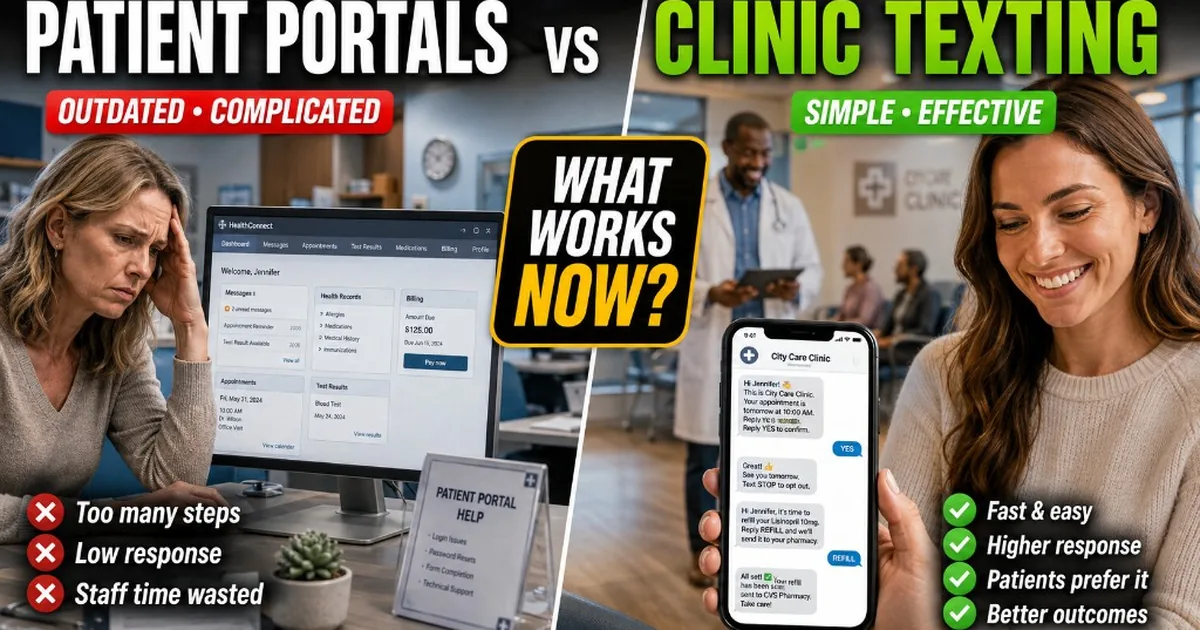
Patient portals are useful.
They are also not where most people want to have a weekly conversation with their clinic.
That distinction matters.
A portal is great when a patient needs to review a lab result, fill out paperwork, pay a bill, or send a more formal message to the care team.
But asking someone to log into a portal every week just to answer:
“How are things going?”
is a different story.
For that kind of follow-up, texting is often a much more natural fit.
Portals solve an important problem
Clinics should not get rid of their patient portals.
They are good at things texting is not meant to replace.
Lab results.
Forms.
Records.
Billing.
Longer messages that need to live in the chart.
The problem comes when clinics expect the portal to handle every patient interaction just because it already exists.
A patient may happily use the portal twice a year and still ignore every notification asking them to log back in between appointments.
That does not mean the portal failed.
It just means it is being asked to do a job it was not particularly good at.
Between visits, the problem is different
Imagine a patient leaves a functional medicine visit with a new supplement plan.
Their next appointment is six weeks away.
Two weeks in, they start forgetting the evening dose.
A week later, they are almost out of one bottle.
Another week passes and they still have not completed the lab kit sitting on the counter.
None of those things necessarily require another appointment.
But they are useful for the clinic to know.
And waiting until the next visit to discover all of it is not ideal.
That is where a short text can make more sense than another portal notification.
Texting lowers the amount of effort required
A patient does not have to remember a password to answer a text.
They see the message.
They reply.
That sounds almost too basic to matter, but small amounts of friction add up.
“Open your portal and complete your weekly check-in.”
is a task.
“How are you doing with the plan this week?”
is a conversation.
Those two things may collect similar information, but they feel very different to the patient.
A clinic inbox and scheduled follow-up are also different
Texting software can mean a few different things.
Some clinics mainly need an inbox.
Patients text the practice.
The front desk answers.
That is useful, especially if staff are currently managing calls, voicemails, website messages, and texts in several places.
But there is another problem:
What happens when the patient does not reach out?
Maybe they are struggling with the plan.
Maybe they are almost out of supplements.
Maybe the lab never got done.
Nobody sends a message because nobody knows there is a problem yet.
That is where scheduled follow-up helps.
Instead of waiting for the patient to initiate every conversation, the clinic can send a simple check-in at the right time.
The portal and the text thread can work together
This does not need to be an either-or decision.
Use the portal for the things the portal is good at.
Use texting for the things texting is good at.
A lab result may belong in the portal.
A message saying:
“Your results are ready. Please take a look before Thursday’s visit.”
may work perfectly well as a text.
The formal information stays where it belongs.
The text simply gets the patient’s attention.
Same thing with forms.
The form may live in the portal.
The reminder does not have to.
Texting is especially useful for the small stuff
Between-visit care is full of small moments.
“Did you get your labs done?”
“Still doing okay with the supplements?”
“Getting low on anything?”
“Anything you want us to know before your appointment next week?”
These questions do not necessarily need a whole patient-engagement platform around them.
They need to reach the patient.
And they need to be easy to answer.
Not every patient likes portals
Some patients use their portal constantly.
Others barely touch it.
Some never activate it.
That does not make them bad patients.
It may just mean that logging into healthcare software is not something they naturally do unless they absolutely have to.
Texting gives the clinic another way to reach those people without forcing them into a different routine.
That can be especially useful when the clinic only needs a quick answer.
Do not put everything in a text
Texting is not the right place for every conversation either.
Sensitive clinical communication, detailed results, long explanations, and anything that needs to live formally in the medical record should stay in the appropriate systems and workflows.
A text should not become a replacement for the EHR.
It is better thought of as the front door to a short interaction.
Sometimes the answer stays in the thread.
Sometimes the text simply gets the patient back into the portal or into contact with the care team.
The simplest setup is usually the best
For most independent clinics, the division can be pretty straightforward.
Use the portal for records, forms, results, and formal communication.
Use the inbox for things patients send you.
Use scheduled texts for the moments when the clinic needs to reach out first.
That might mean a weekly check-in.
A running-low reminder.
A lab reminder.
A message before the next appointment.
You do not need to replace the software you already use.
You just need to stop expecting one piece of software to handle every kind of patient communication.
The portal has a job.
Texting has a job.
They work better when each one sticks to it.
Common questions
- Should clinics replace their patient portal with texting?
- Usually no. Use the portal for records, forms, results, and formal communication. Use texting for short between-visit check-ins and reminders that patients can answer without another login.
- Why do patients ignore portal notifications?
- A patient may happily use the portal twice a year and still ignore weekly login requests. That does not mean the portal failed. It means it is being asked to handle weekly conversation work it was not particularly good at.
- How is a clinic inbox different from scheduled follow-up?
- An inbox helps when patients text the practice and staff answer. Scheduled follow-up helps when the clinic needs to reach out first: check-ins, running-low messages, lab reminders. Waiting for every conversation to start with the patient leaves gaps.
- Should sensitive clinical information go in a text?
- No. Detailed results, long explanations, and anything that needs to live formally in the medical record should stay in the appropriate systems. A text is better as a short front door that gets attention or points people back to the portal or care team.
We cite public sources in the text where it matters. For operations and finance context only, not clinical, legal, or investment advice.
Keep reading
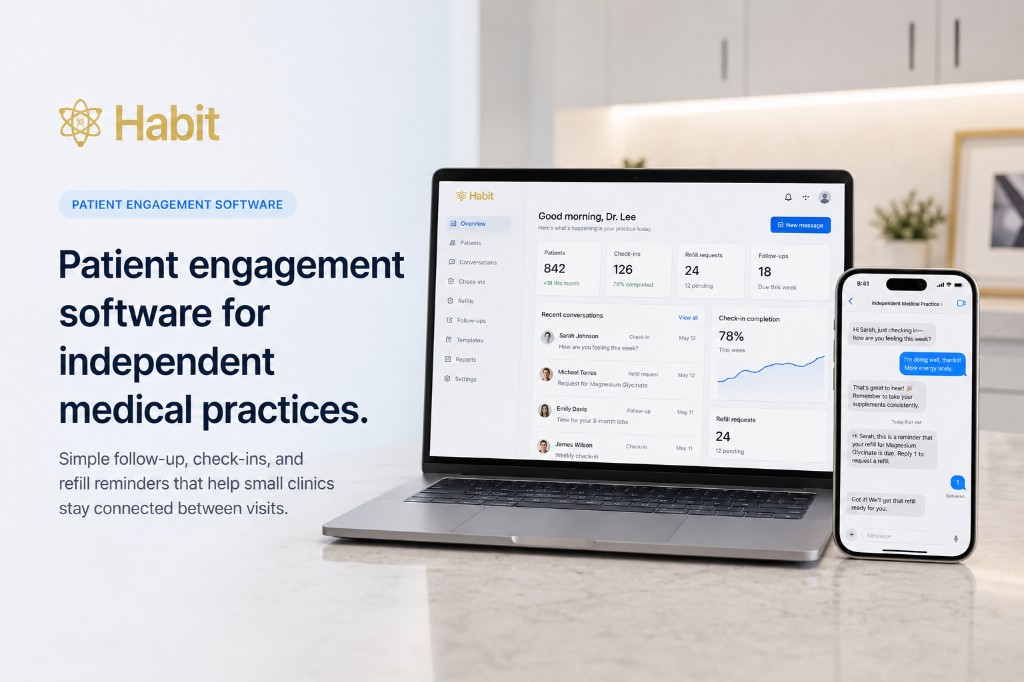
Patient engagement
Patient engagement software for independent medical practices
Independent clinics do not need enterprise care-management platforms. They need patients to answer check-ins, stay on the plan, and reorder before they run out — without another full-time job at the front desk.
· 4 min read
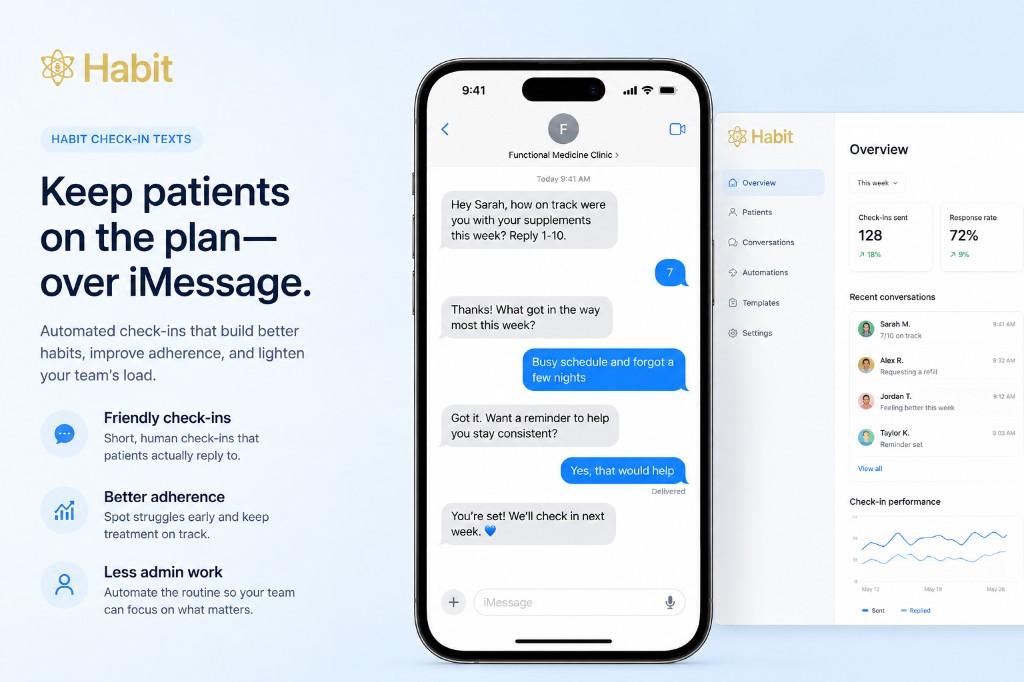
Habit
Habit check-in texts: keep patients on the plan between visits
Clinic-approved welcome, weekly check-in, and running-low texts on a schedule. Patients reply in the same thread. Staff step in when someone needs a person.
· 4 min read
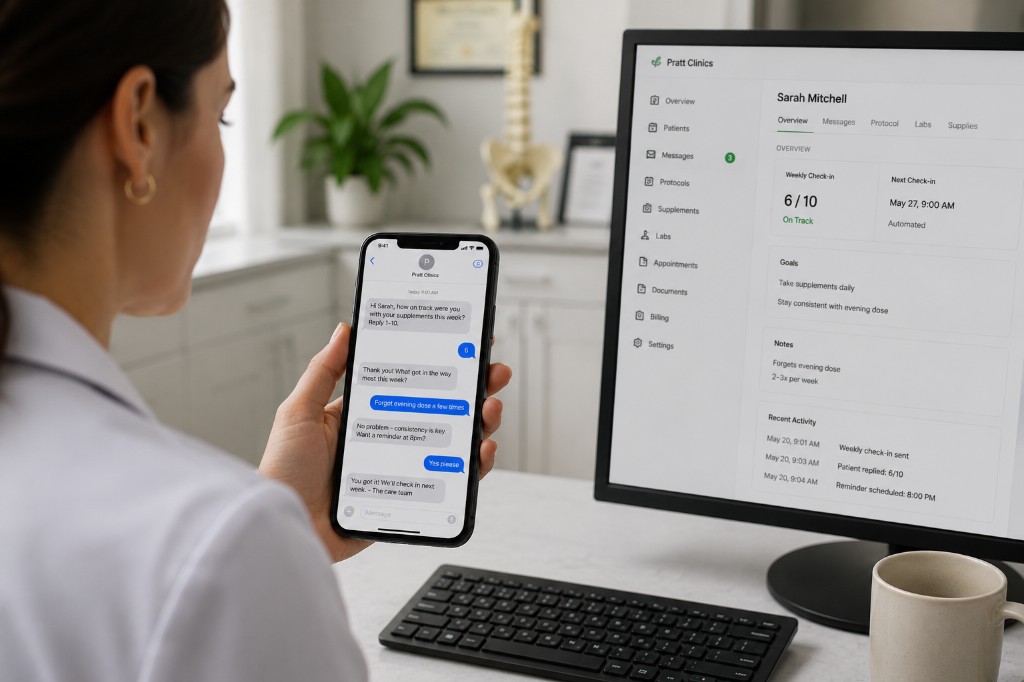
Patient texting
Automated patient follow-up without patient-facing AI
Automate welcome texts, weekly check-ins, and running-low reminders with clinic-approved copy. No chatbot. Staff step in when a reply needs a person.
· 4 min read
See it on your patients.
Two weeks free on your real patients. Habit texts on a Helose-issued number. Patients reply on iMessage.